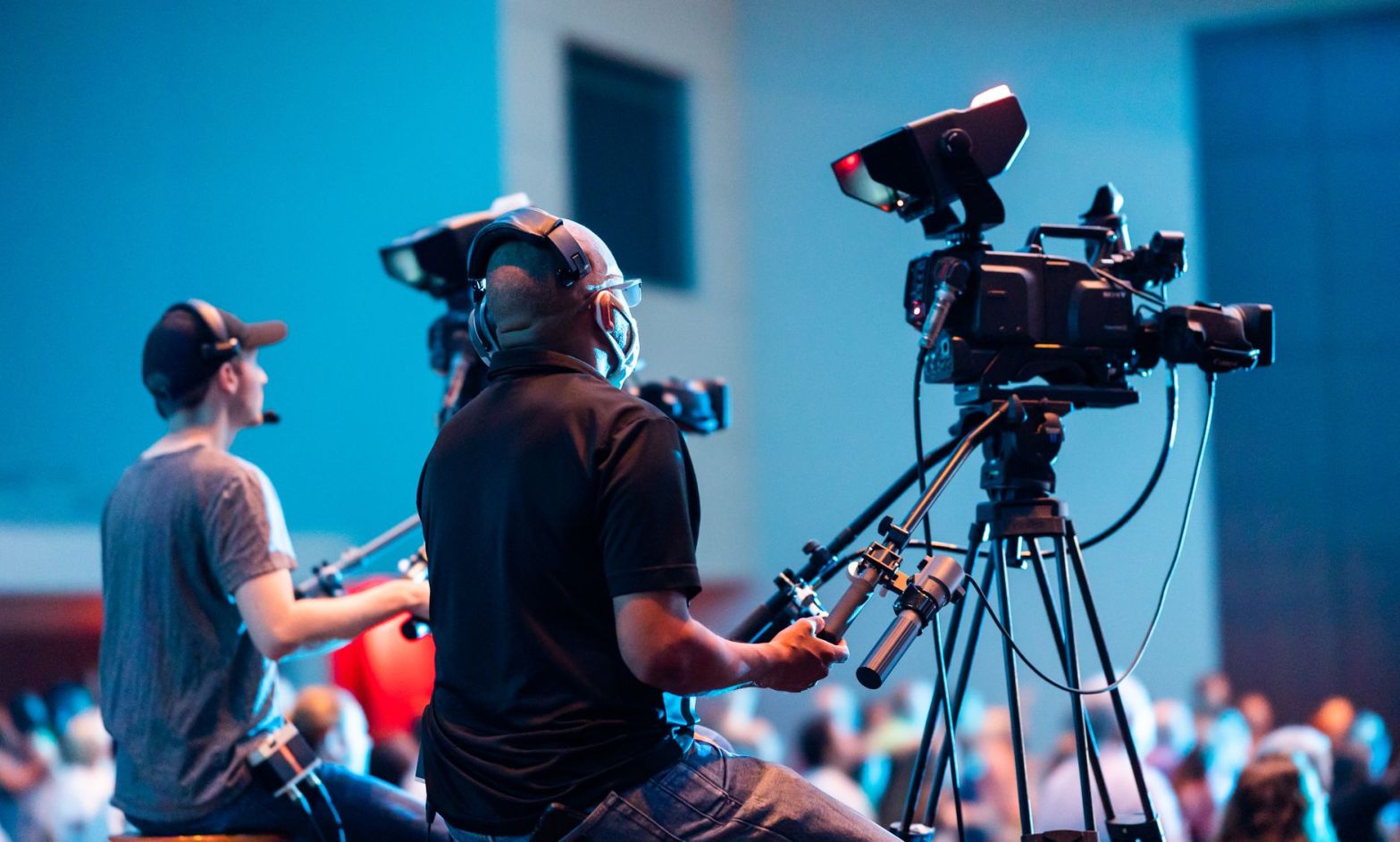
Imagine spending $40,000 on a fundraising gala.
The room looks beautiful. The speakers are ready. Your biggest supporters are dressed up and enjoying dinner.
It’s a great night.
But what about the people who couldn’t attend?
Should you livestream the event so they can watch from home?
Maybe. But livestreaming isn’t always the best And recording the entire event isn’t automatically a smart marketing plan.
The goal is to help more people feel connected to your work, and that should guide your decision.
Here’s how to decide what makes sense for your nonprofit.
1. Ask This Question
What do you want the video to accomplish?
Maybe you want it to:
- Reach donors who cannot attend
- Give sponsors more exposure
- Encourage people to attend next year’s event
- Show potential donors what your organization does
- Thank supporters and volunteers
- Raise money during the event
- Give people a reason to support your next campaign
These are different goals. They call for different types of videos.
If your main goal is to let an out-of-town supporter hear your keynote speaker, a livestream makes sense.
If you want to convince someone to attend next year’s gala, a short video showing the energy in the room is better.
And if you want to explain why your mission matters, an interview with someone your organization has helped could be more useful.
2. Know When Livestreaming Makes Sense
A livestream lets people watch an event as it happens.
That is useful. It also creates extra work, technical problems, and a less-than-great viewing experience if you don’t plan carefully.
Livestreaming may be worth considering when:
- Your speakers have something important to share. A major announcement, educational talk, or community discussion may be useful to people outside the room.
- Your supporters live far away. A virtual option can help people take part without traveling.
- You want people to give during the event. A well-planned online experience can direct viewers to a clear donation page.
- Your event has a strong program. A presentation with clear speakers and good sound is easier to broadcast than a noisy room full of conversations.
- You can promote the broadcast. People need to know when it is happening and why they should watch.
GoFundMe recommends planning for engagement rather than simply broadcasting an event and hoping people tune in. That means doing live questions, donor recognition and interviews with speakers.
There is a catch.
A livestream needs more than a phone pointed at a stage. You need clear sound, a stable connection, someone watching for problems, and a plan for helping viewers take part.
If you cannot provide a good experience, recording the event and sharing selected moments afterward may be the better choice.
3. Don’t Make People Watch an Entire Event to Find the Good Part
Let’s be honest.
How many people want to watch a 3-hour gala from beginning to end on their laptop?
Not many.
Think about the moments worth sharing.
Your team could create:
A 60-second mission story. Show the problem your nonprofit addresses, the people involved, and why the work matters.
A short speaker highlight. Share the strongest moment from your executive director, keynote speaker, or guest of honor.
A sponsor thank-you. Show sponsors how their support helped make the event possible.
A behind-the-scenes video. Capture volunteers preparing the room, staff solving last-minute problems, and guests celebrating together.
A next-year event teaser. Give people a taste of the experience and invite them to join you next time.
Give each audience a reason to watch.
4. Make a Plan for the People Watching From Home
If you decide to livestream, remember that remote viewers are not sitting at a table with friends.
They cannot easily turn to someone and ask what they missed. They may struggle to hear a speaker. They may not know how to ask a question or make a donation.
Help them out.
Start with clear sound. Viewers can tolerate a less polished picture. Muffled voices, loud background music, and echo, though, will not work.
Give viewers a clear path. If you want them to donate, tell them what to do and make the next step easy to find.
Assign someone to watch the stream. A staff member or volunteer should monitor comments, collect questions and spot problems in real time.
Make the broadcast accessible. Plan for captions and other access needs. Check that speakers can be seen clearly and that important information is spoken aloud instead of appearing only on a screen.
5. Don’t Forget Permission and Privacy
Before recording, decide who can be filmed, where the footage will appear, and how long you plan to use it.
Tell attendees when recording is taking place. Obtain the permissions your organization needs, especially when filming children or people receiving services. Give people a clear way to raise concerns.
Be thoughtful about the stories you share.
Want More Value From the Videos You Already Have?
You may already have event recordings, interviews, or mission stories sitting on a hard drive or buried in your social media accounts.
Before spending money on something new, find out what you can do with what you have.
Team Trust Productions offers a free 15-minute video marketing review to help nonprofits identify three ways to get more marketing and fundraising value from their existing video content.