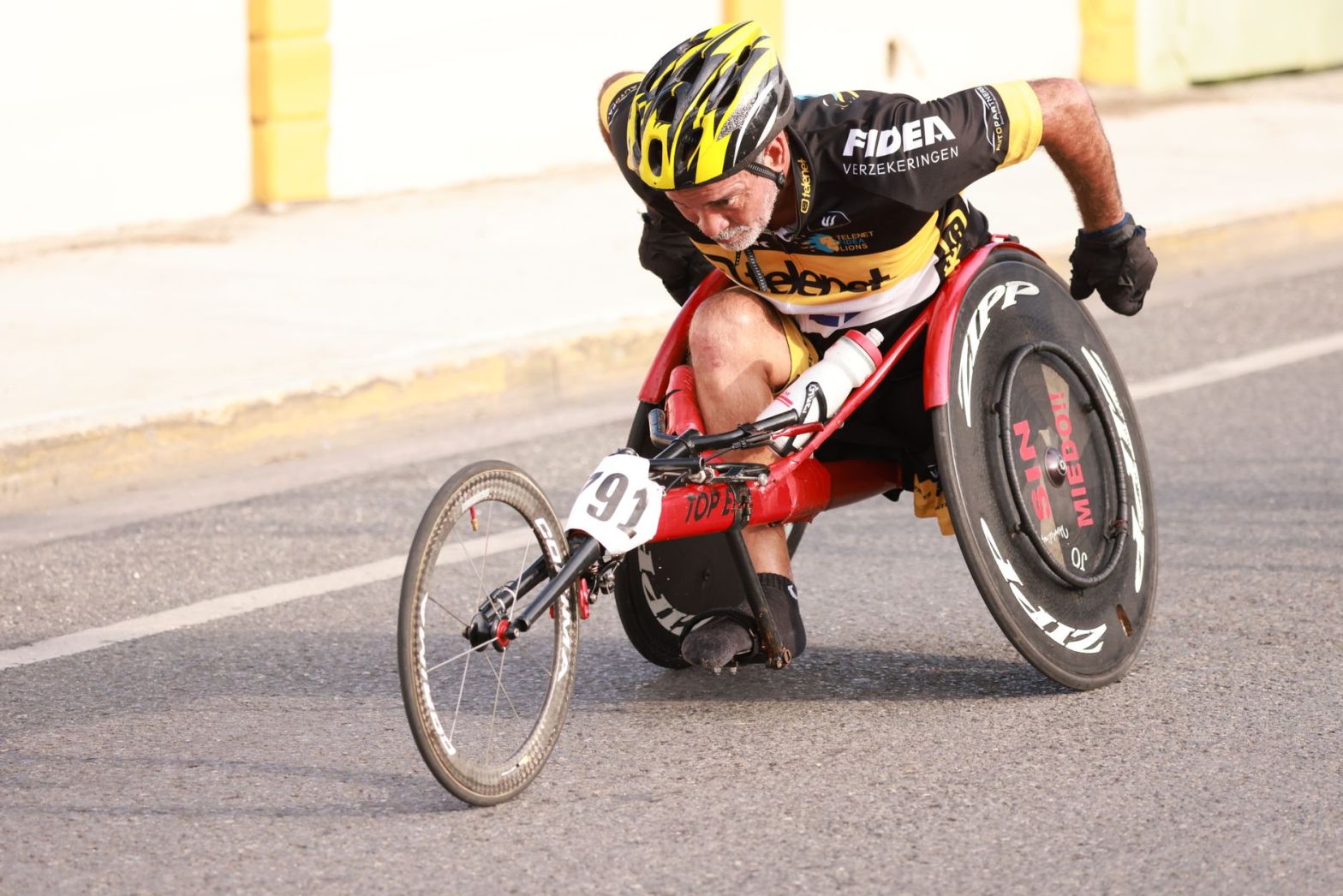
I have a disability, and I always advocate for the disability community.
There are many, MANY disabled people who mean the world to me, and they deserve to be top of mind all the time.
At the same time, there is a strong business case for including disabled people in your regular business operations.
From a marketing standpoint, your nonprofit has a compelling story. You know that. What happens if someone cannot hear the video, read the words on the screen, or understand what is happening?
That is problematic.
Nonprofit videos can help people learn about a cause, understand a program, support a fundraiser, or take part in an event. But those videos work when more people can use them.
Here are five l ways your nonprofit can make its videos more effective. This is the same material I have taught a few of the world’s largest marketing agencies.
Why accessibility
Video accessibility means making videos easier for people with different needs and abilities to watch and understand.
That includes almost any kind of disability.
This is an important issue for nonprofit comms teams. The 2026 Nonprofit Communications Trends Report found that 79 percent of communicators considered accessible communications a moderate or high priority. Confidence in their ability to create accessible content was much lower among smaller teams.
You don’t have to fix everything. Start with simple changes that make your existing videos easier.
1. Check your captions
Good captions help people who cannot hear the audio, as well as people watching without sound.
Captions only help, though, when they are accurate.
Automatic caption tools can save time, but they make mistakes. A person’s name, a medical term, or a place name may be written incorrectly. Even a small error can change the meaning of a sentence.
So obviously you need to fix that.
What you can do:
- Review the captions on your most important videos
- Correct mistakes
- Identify speakers when it is not clear who is talking.
- Include important sounds (i.e. emcee, crowd noise, etc.) when they help viewers understand the scene
Start with videos that matter most: your homepage video, program explainers, fundraising videos, and recordings of public events.
You can review older videos over time.
Our Disability Marketing Guide details all the super-easy accessibility tricks for videos. Grab it here.
The guide has been used by tons of nonprofits around the world.
2. Make sure the story works without sound
Imagine someone watching your nonprofit’s video on a bus or in a waiting room. They may not be able to turn up the volume.
If the main message appears only in the audio, that viewer may miss it.
Captions are part of the answer. The video itself should also make its main point clear.
Try this:
- Put the main message in readable on-screen text when it makes sense
- Use captions that are easy to follow on a phone
- Avoid relying on music, sound effects, or spoken words to explain an important action
- Make sure instructions and next steps are clear
- Test the video without sound
Think about a nonprofit explaining how families can apply for a service. If the video says the application deadline but never displays it, a person watching without sound will miss a key detail.
The goal is to make sure people can get the information they need.
3. Help people with limited vision
Captions help people who cannot hear the audio. But they do not solve every problem.
Some viewers may not be able to see the images clearly. If important information appears only in a chart, a sign, or an action on screen, they may miss it.
Here is a simple place to start:
- Have speakers explain important actions
- Read key numbers or findings in a chart.
- Provide text that explains important visual details when needed
- Avoid putting essential instructions only in an image
Imagine a video showing volunteers building a wheelchair ramp. If the narrator explains why the project matters and what the volunteers are doing, more viewers can follow the story.
Not every video needs a separate audio description track. The right approach depends on content and what viewers need to understand.
Planning these details before filming can also save editing time later.
4. Use clear words and readable text
Nonprofits can work with complex topics, including health, housing, education, disability services and public policy.A video should not be hard to understand.
Use short sentences and explain unfamiliar or very technical terms.
Instead of saying, “Our organization provides comprehensive wraparound services to underserved populations,” try:
“We help families find housing, get support and connect with services they need.”
Both describe the same work. The second is just much easier for anyone to understand.
Pay attention to text on screen, too.
Check that:
- Text is large enough to read on a phone
- Words stand out clearly from the background
- Captions don’t cover faces or important information
- Text stays on screen long enough to read
- Important details are not crowded into one frame
These improve the viewing experience without requiring a complete redesign.
5. Build accessibility into the plan
The easiest time to solve accessibility problems is before the camera starts rolling.
If you wait until the video is done, you may have to record new audio, rewrite parts of the script, change graphics, or pay for extra editing. Please don’t do that.
Before your next video, ask these questions:
- Who needs to understand this video?
- What information must viewers take away?
- Will captions be included and checked?
- Can the narration explain the important visual details?
- Will the text be readable on a phone?
- Is the language clear enough for the intended audience?
- Does the video player support accessibility features?
- Who will review the finished video before it goes live?
For larger projects, ask people with relevant access needs to review the content when possible. Their feedback may reveal problems your team did not notice.
OR … grab a copy of our Video Marketing Workbook. It lays out the exact process to creating a highly successful and accessible video.
Make your videos work harder
An accessible video is not simply a video with captions added at the end. It is a video planned and produced so that more people can understand its message.
That matters when you are explaining a service, introducing your organization, sharing a program’s results, or asking people to support your work.
Make accessibility part of your process, instead of an afterthought.
If your nonprofit needs help creating videos that tell your story clearly, Team Trust Productions has your back
Want to get more from your nonprofit’s video content? Explore Team Trust Productions’ video production and marketing services to see how video can help your organization reach more people and advance its mission.